Why Do My Photos Have No Location After Takeout?
Google keeps the coordinates in the .json file beside each photo instead of inside the picture, so map views come up empty.
Google stores your photo locations in its own database, not inside the pictures. When you export, it writes the coordinates into the .json file next to each photo. The photo itself is left with an empty GPS field.
Map views read the photo, not the .json. So the map is empty even though the information came down with your download and is sitting right there.
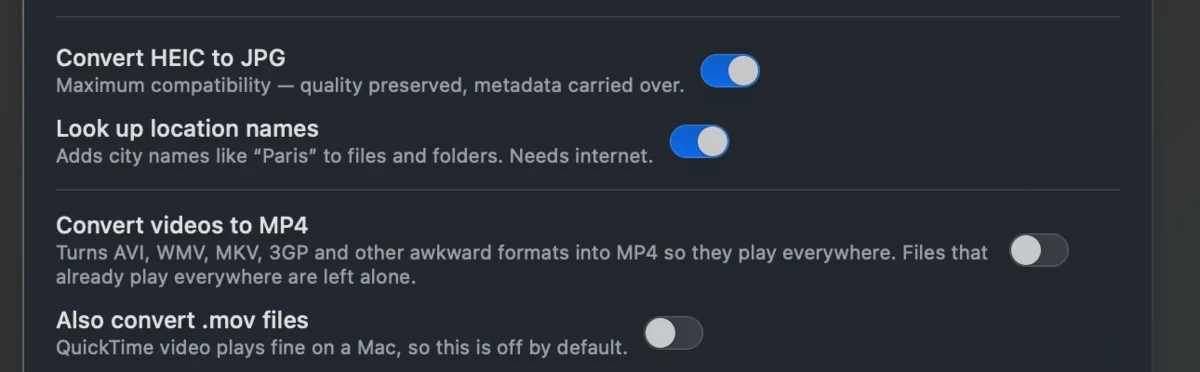
Takeout JSON Metadata Fixer copies the coordinates out of each .json and into the photo, so maps and place searches work again. It can also look up the place name and put it in the filename. It runs on your own computer and is free for your first 500 photos.