For Google Takeout exports on Mac and Windows
Fix Google Takeout photo dates
Your Takeout photos all say today. The real dates and places are stranded in the .json files beside them. This app puts them back inside your photos and changes each file's own creation date to match, then names and sorts everything the way you want.
Not just Takeout Fix dates, places and file names in any photo folder, and reorganize it by year, month, place or trip.
The Windows installer (96 MB) installs for your user, no administrator needed. It is not certificate-signed yet, so SmartScreen warns once: choose More info, then Run anyway. The Store version is signed, warns about nothing, and updates itself.
What it does, in one run
Choose a folder, press start, and get your photo library back.
- Puts the .json metadata back inside the photo, where every app can read it
- Changes the actual dates: the date taken inside the photo, and the file's own creation and modification dates
- Puts the location back, so your map fills in again
- Custom file names — date, time, place, or words of your own
- Custom folder structure — by year, by month, by place, or leave it alone
- Optional place or trip name in the filename, like Paris or Summer 2019
- Turns iPhone HEIC photos into JPG that opens anywhere
- Makes old videos play again on modern devices
- Nothing is uploaded. It all happens on your own computer
- Free for your first 500 photos, with every feature
What Takeout gives you
IMG_20190714_110530_1.jpg
Taken: today
Location: none
What you get back
2019 / 07-July /
2019-07-14 Paris.jpg
Taken: 14 Jul 2019, 11:05
Location: Paris
Why your photos lost their dates
Google Photos keeps what it knows about a picture in its own database, not inside the picture. When you export, Google hands back each photo as it was uploaded and writes everything it knew — the date, the time, the place, your captions — into a small .json file beside it.
A photo straight from a camera or a phone usually carries its date inside, and survives. Screenshots, pictures saved from chats, scans, and anything whose date or place you corrected in Google Photos do not: the only record of when they were taken is in that .json file, and no photo app reads it. Not Apple Photos, not Windows, not your phone's gallery. They look inside the picture, find nothing, and fall back on the only date they can see: the day you unpacked the download. A decade of memories lands on one afternoon, out of order, with the places gone.
Nothing is lost. The dates and places are sitting right there, in the wrong file. Moving them back is simple work, just far too much of it to do by hand across forty thousand photos. That is the whole job this app does, and it does it in one run.
Sound familiar?
These are the things people type into Google after their first look at a Takeout download. They all have the same cause, and the same fix.
- All my photos have the same date: the day you downloaded them, not the day you took them.
- What are all these .json files? One sits next to every photo. They hold the real date, time and place.
- What is supplemental-metadata.json? The newer name for the same file, since 2024.
- My photos are out of order in Apple Photos, Windows or my phone gallery.
- My photos lost their location and the map is empty.
- Takeout gave me twenty zip files. Which one has what?
- My videos have the wrong date too.
- Can I just delete the .json files? Yes, but only after their dates are inside the photos.
How it works
Four steps, and you can preview everything before a single file is touched.
Point it at your export
Pick your Takeout download, or just any folder of photos. If Google split your library into parts, choose one and the app finds the rest, then checks you have room before it starts.
Choose how it should look
Name your files by date, by place, or with your own words: 2019-07-14 Paris.jpg. Sort them into folders by year, by month or by location. Or change nothing and keep the names you have.
Press start
Every photo gets its real date, time and location written back inside it. Photos with no .json file fall back to whatever date they do have, so nothing comes out blank. You can preview the whole thing first.
Take it anywhere
The dates now live inside the photos, so they stay correct everywhere: Apple Photos, iCloud, a NAS, a USB stick, a new phone. Copy the result straight to a drive or an Android phone if you like.
What it looks like
Cropped to the parts that do the work.
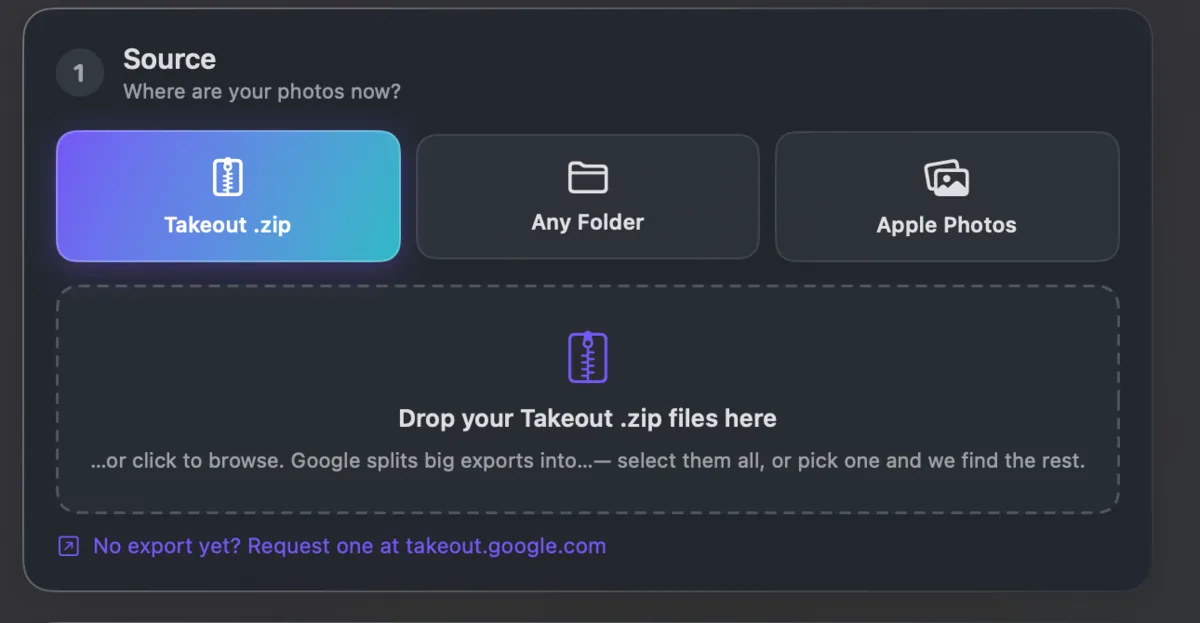
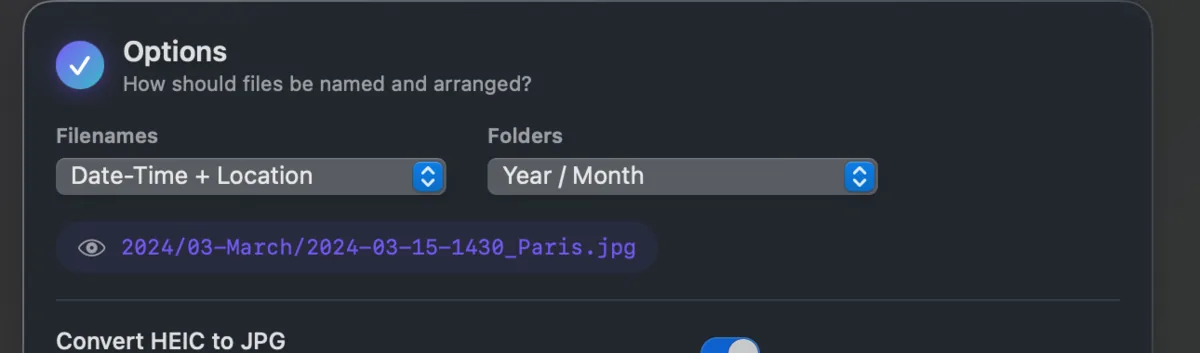
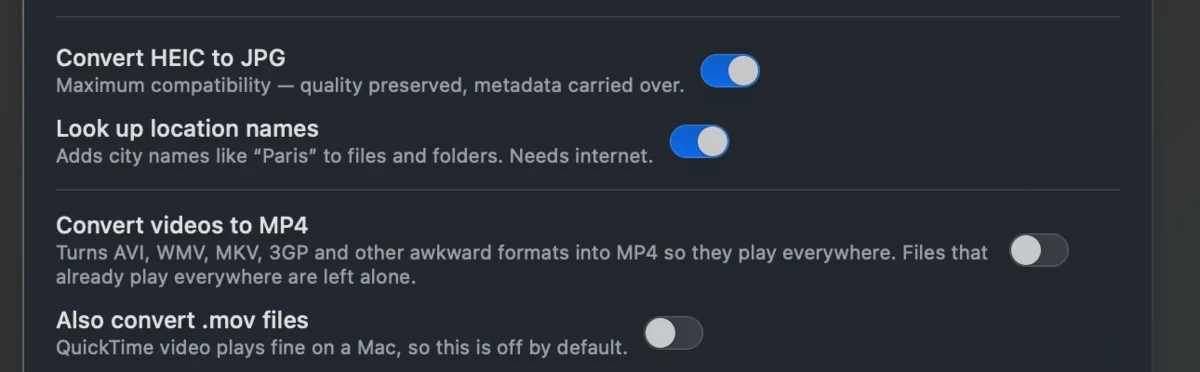
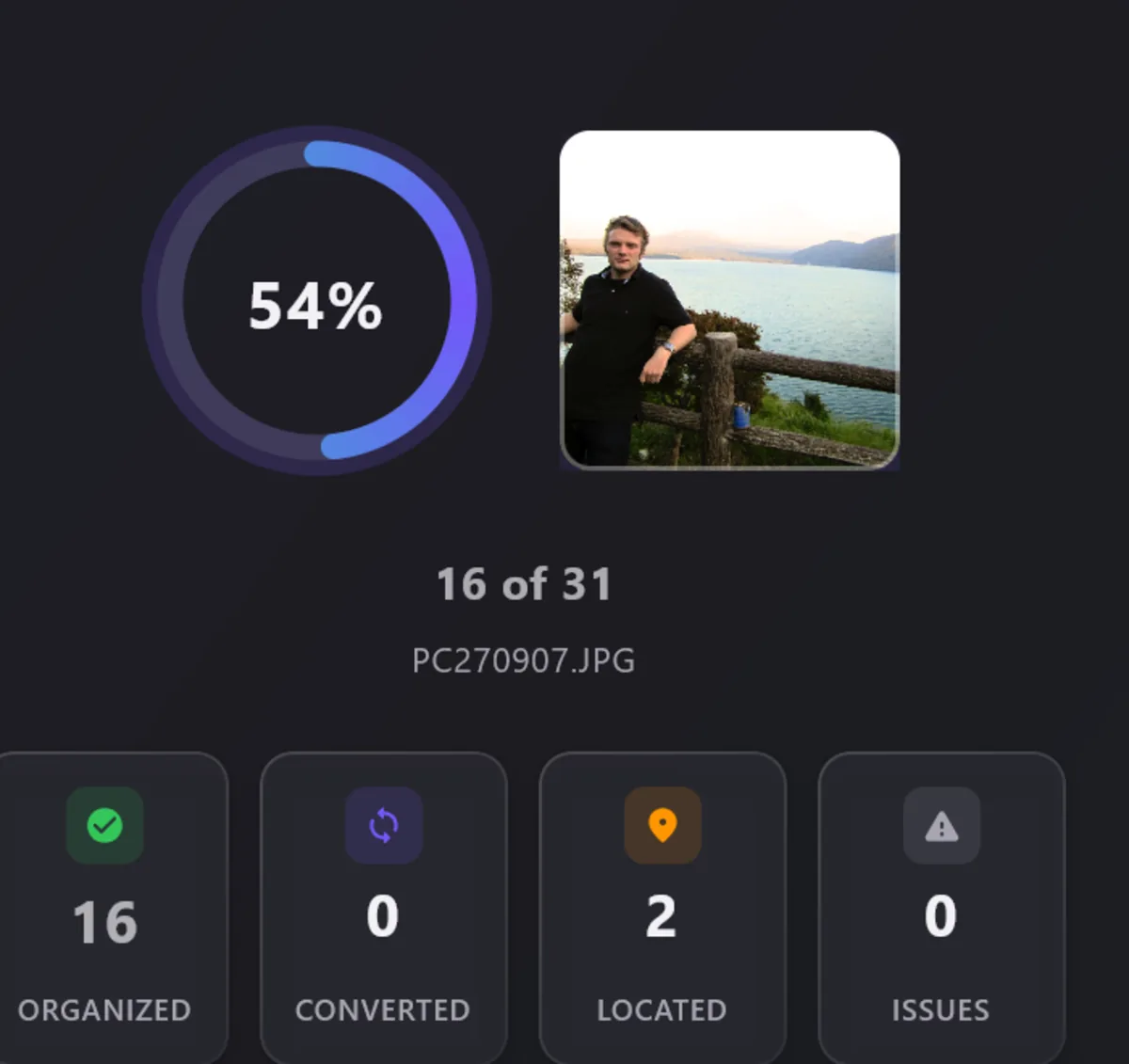
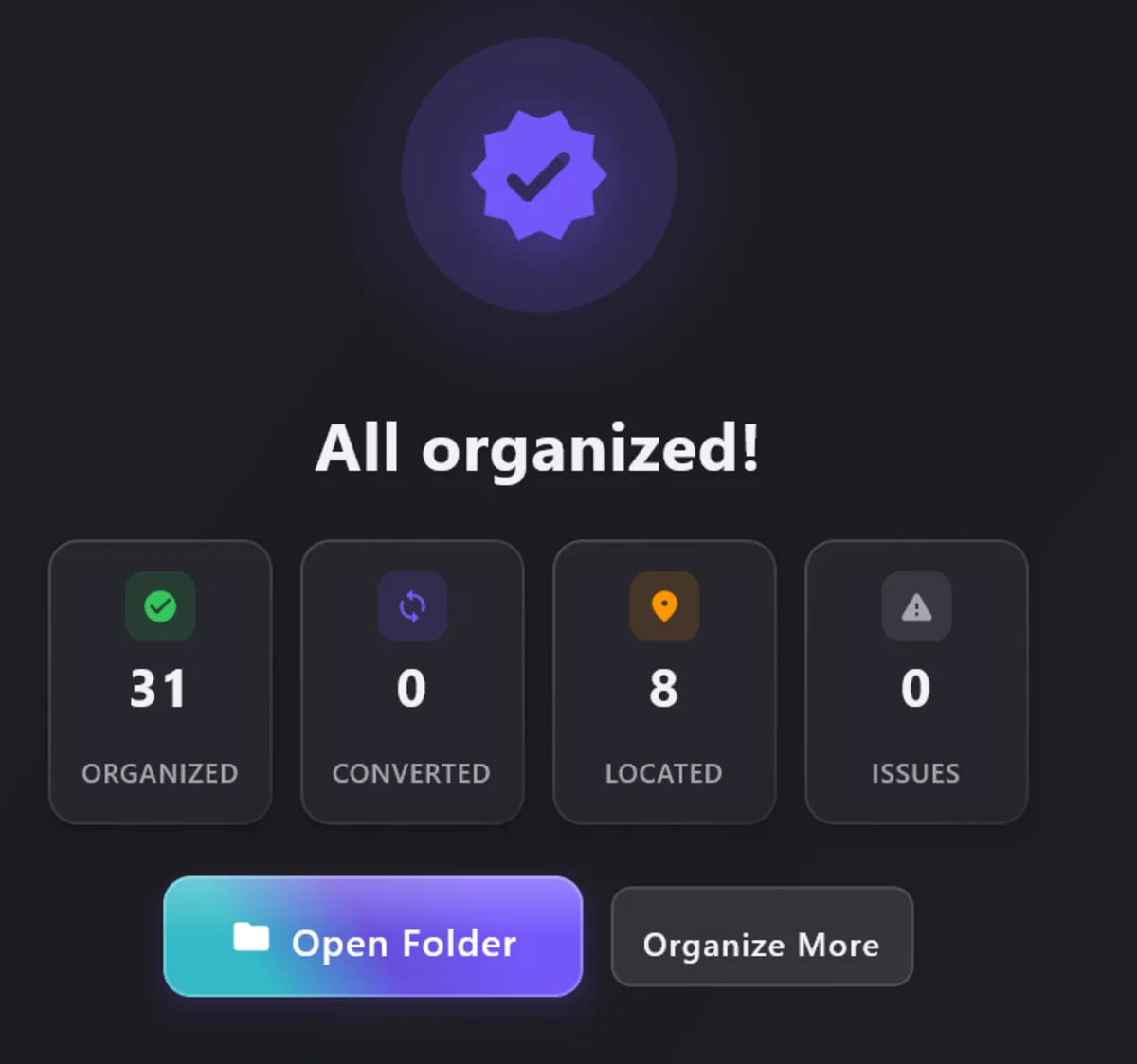
What it does
Your real dates, back
Reads every
.jsonfile Google gave you and writes the true date and time back inside each photo. It also sets the file's own creation and modification dates, so Finder, File Explorer and phone galleries sort by the day each photo was taken, not the download date.Your places, back
The location goes back into the photo too, so the map in Apple Photos or on your phone fills in the way it used to.
Name files your way
By date, by date and place, or your own words in front of every name. 2019-07-14 Paris.jpg, or a family name, or a trip. Or keep the names you already have.
Sort into the folders you want
Year, Year and Month, Year and Place, Place and Year, or no folders at all. Your library ends up organised the way you actually think about it.
Add a place or a trip name
Turn on place names and a photo becomes 2019-07-14 Paris.jpg instead of IMG_4471.jpg. Add your own label, like Summer 2019, to a whole batch.
Big exports are fine
Google splits large libraries into many downloads, and a photo often sits in one while its date sits in another. The app treats them as one library and finds the pairs.
Any folder of photos
It is not only for Google. Point it at photos from an old hard drive, a camera card or another phone, and it will date, name and sort those too.
iPhone photos that open anywhere
Converts HEIC to JPG so any device can open them, keeping the date and place. Sideways photos are turned the right way up.
Old videos that play again
Optional. Videos keep their dates, and old ones that no longer play on modern devices are converted so they do.
Live Photos, your choice
Keep the photo and its little video together, keep just the photo, or merge them into one file your phone plays as a moving picture.
Screenshots out of the way
Optionally move screenshots and scanned documents into their own folders, so they stop cluttering your holiday albums.
Straight onto a USB stick or phone
Send the finished library directly to a USB stick, an SD card or a connected Android phone, into the folder its gallery already looks in.
See it before you commit
Preview every new name, every folder and every date change before a single file is written. Your original download is never altered.
Add to a library you already have
Run it into an existing collection and photos that are already there are skipped, so you do not end up with two of everything.
It all stays on your computer
No account, no sign-in, nothing uploaded. The only thing that ever uses the internet is looking up a place name, and you can leave that off.
Wherever your photos are going next
Once the dates are inside the photos, any app reads them. Guides for the usual moves:
Apple Photos and iCloud
Move Google Photos to your Mac or iPhone with every photo on the right day. See also iCloud.
A Windows PC
Right dates in File Explorer and the Photos app, and HEIC files that open. See also OneDrive.
Immich
A timeline in the right order, with places on the map, and
.jsonsidecars Immich understands.Synology NAS
Synology Photos sorts by the date inside the file, so fix it before you copy. Same for Nextcloud.
An external hard drive
A plain backup in year and month folders that opens on any computer, now or in twenty years.
A new Android phone
Straight into the phone's camera folder, so the gallery shows every photo on the day it was taken.
Popular guides
- How do I delete files from Google Takeout? The zips, the copies in Drive, and what stays in Google Photos.
- What happens to Live Photos in Google Takeout? Two files per photo, and how to keep them together.
- What is supplemental JPEG data? The
.jpg.supplemental-metadata.jsonfiles, and when you can delete them. - How long does Google Takeout take? Typical times by export size.
- Google Takeout photos show the wrong date? Why, and how to write the real date back.
Pricing
One price, paid once. No subscription, no account.
Free
Up to 500 photos. Every feature.
- Enough to fix a small export or to test on part of a big one.
- Dry run on any number of photos.
- No time limit and no watermark.
Premium
Unlimited photos, forever.
- On Mac, an in-app purchase through the Mac App Store.
- On Windows, a licence key. Buy it here or from the app's Premium sheet. One key unlocks one computer, offline once it is entered.
- Five computers for $49.99: five keys from one purchase, for a family or a studio.
- Export to an Android phone is part of Premium.
Prices are in US dollars. Stores show the price in your local currency.
Questions people ask
Will it change or damage my original photos?
No. Your download is only read, never altered. The fixed library is written into a new folder that you choose, so the original is always still there if you change your mind. If you do ask it to tidy a folder in place, it can keep untouched copies of everything first.
Does it understand all of Google's .json files?
Yes. Google has changed how it names these files three times, and it shortens the long ones and numbers the duplicates in a confusing way. Those are exactly the files that other tools quietly skip. This app matches all of them, and it tells you at the end if anything was left over.
What happens to a photo that has no .json file?
It uses whatever date the photo itself carries, and if there is none, the date already on the file. Nothing comes out blank. At the end you get a list of the photos it could not date properly, so you know exactly which ones to look at.
How is this different from exiftool or Google Photos Takeout Helper?
Both are free and both work, if you are at home in a terminal. exiftool needs a long command and misses the .json files Google shortened or numbered. Google Photos Takeout Helper is a command-line script too. This app does the same job with buttons, finds every .json file, and also names, sorts and converts your photos. There is a longer, honest comparison on the blog, and one of general photo metadata editors such as digiKam and XnView MP, which edit EXIF well but cannot read the .json files.
Can I delete the .json files afterwards?
Yes, once the app has run. Everything useful in them is then inside the photos. The new folder has no .json files at all, unless you switch on sidecars for Immich or PhotoPrism. Then the app writes a fresh one for each photo.
Will my photos land in the right order in Apple Photos, Immich or my phone gallery?
Yes. That is the whole point of writing the date inside the photo rather than leaving it in a separate file. Every app reads it, and your folders on the computer sort correctly too.
Does it need the internet?
No. Everything happens on your computer and your photos are never uploaded. One optional feature uses the internet: turning a location into a place name like "Paris" means asking a maps service. Only the rough coordinates are sent, never your photo and never your filename. Leave place names switched off and the app uses no internet at all. There is more detail on the privacy page.
What about videos?
Videos get their dates back the same way photos do. Converting them is optional, and it is there for old clips that no longer play on modern phones and TVs. Videos that already play fine are left exactly as they are, with no loss of quality.
What happens to Live Photos?
You choose. Keep each one as a photo and video pair with matching names, keep only the still photo, or merge the two into a single Motion Photo file, the format Android galleries use.
Can I run it on a library I already have?
Yes. Point it at your existing library as the destination and it merges the new photos in without creating duplicates of the ones already there.
Is 500 photos really free, with every feature?
Yes. The only Premium-only feature is exporting straight to an Android phone. Everything else works on your first 500 photos, and a dry run works on any number.
Is it the same app on Mac and Windows?
Almost. The Mac version can also pull photos straight out of your Apple Photos library, which only Apple allows. Everything else is the same on both. On Windows you unlock Premium with a key you get the moment you pay, and paste in once.
My export is 900 GB. Will it cope?
Large libraries are the normal case here. Select all the parts Google gave you; the app checks you have enough room before it starts and tells you straight away if a part is missing.
Privacy in one line. Your photos never leave your computer. There is no account, no analytics and no upload. The only network traffic is the optional place-name lookup and, on Mac, the App Store purchase itself. Read the full privacy page.