How Do I See Where a Photo Was Taken?
Check the photo's GPS fields. On Windows use Properties and Details, on a Mac use Preview's Info window.
On Windows, right-click the photo, then Properties, then Details, and look for latitude and longitude. On a Mac, open it in Preview and press Command-I; a GPS tab appears if the photo has coordinates.
Nothing there means the photo carries no location. That is normal for screenshots, for anything sent through a chat app, and for Google Takeout exports, where the coordinates sit in a separate .json file instead.
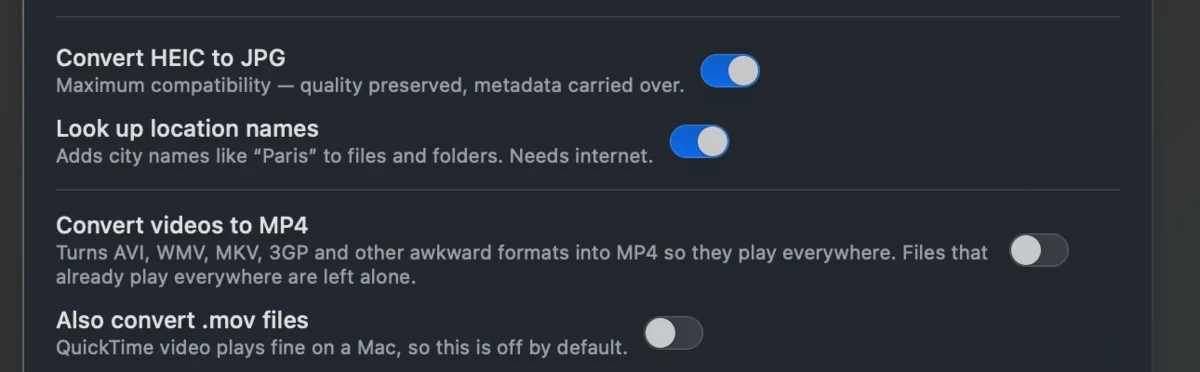
Takeout JSON Metadata Fixer moves them from the .json into the photo, and can add the place name to the filename so you can see it without opening anything. It runs on your own computer and is free for your first 500 photos.