Why Are My iPhone Photos Out of Order After Importing?
Photos imported from a computer sort by the date inside them. Anything missing that date lands on import day.
The Photos app sorts by the date inside each file. Photos that came from the iPhone's own camera have it and sort correctly. Photos that arrived from somewhere else often do not, and those land on the day you imported them.
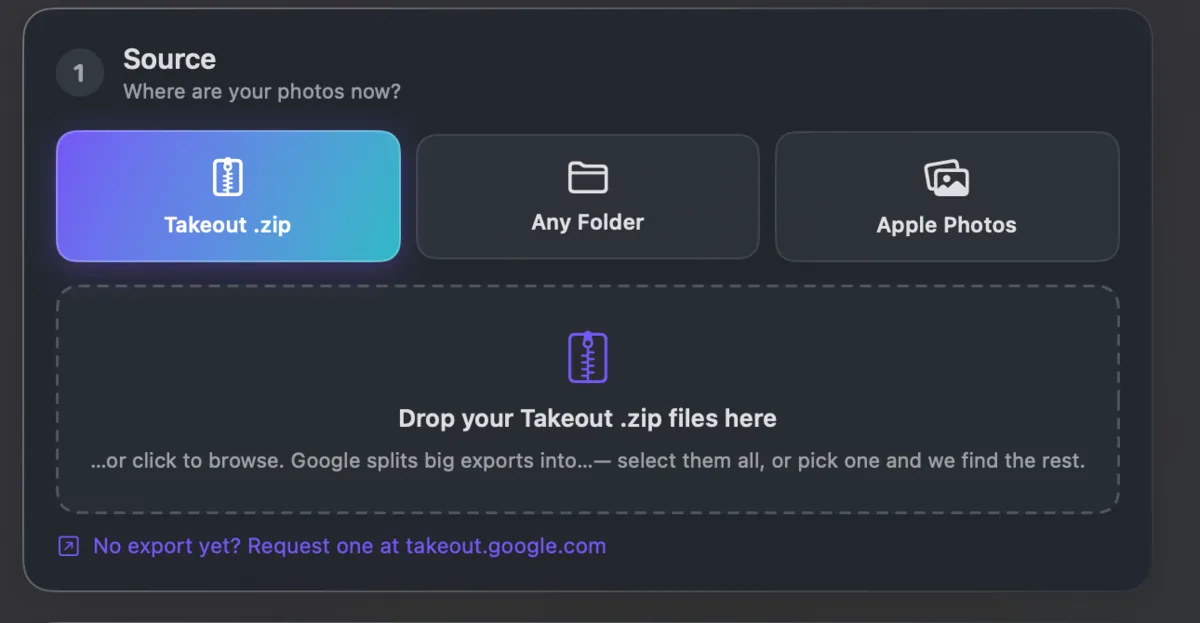
Google Takeout exports are the usual culprit, because the real date is in a .json file the Photos app never reads.
Fix the dates before importing and the library builds itself in the right order. Takeout JSON Metadata Fixer writes them in first. It runs on your own computer and is free for your first 500 photos.