Google Photos to iCloud: 3 Steps That Keep the Dates
1. Download with Google Takeout. 2. Write the dates and places from the .json files into the photos. 3. Import into Apple Photos with iCloud Photos on.
Download your library with Google Takeout, then import the files into Apple Photos on a Mac with iCloud Photos turned on. They upload from there. Apple's own transfer service can move them directly, but it does not carry everything.
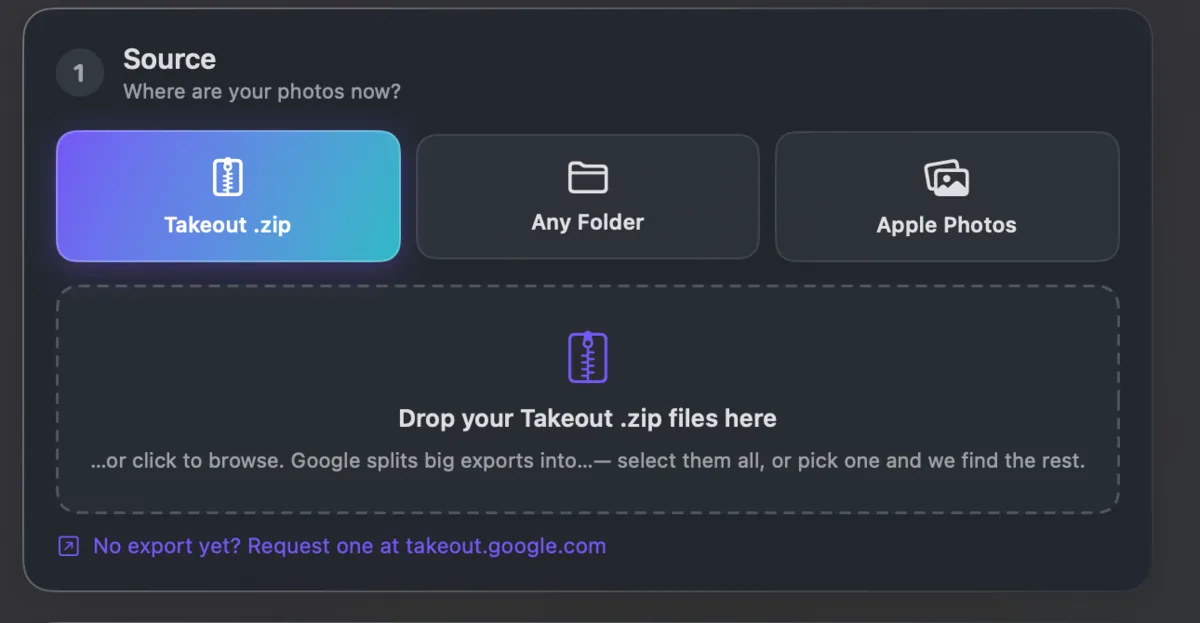
The step people skip is the middle one. Import a raw Takeout export and every photo lands on today's date with no location, because the real values are in .json files Apple never reads.
Fix them first. Takeout JSON Metadata Fixer writes the dates and places into the photos, converts HEIC if you want, and then the import builds a proper timeline. It runs on your own computer and is free for your first 500 photos.
Every step, including Google's direct transfer to iCloud Photos and what it leaves behind, is in how to transfer Google Photos to iCloud and keep the dates.