Can I Fix Dates Inside My Apple Photos Library?
Adjust them inside Photos for a few, or fix the files before importing for a whole library. Do not edit the library folder directly.
Inside Photos, select the pictures and choose Image, then Adjust Date and Time. It can shift a whole selection by the same amount, which is perfect for a camera that had the wrong clock.
It is not built for a library where every photo needs a different date. And you should never edit the files inside the Photos Library package by hand; the app keeps its own database and will not notice.
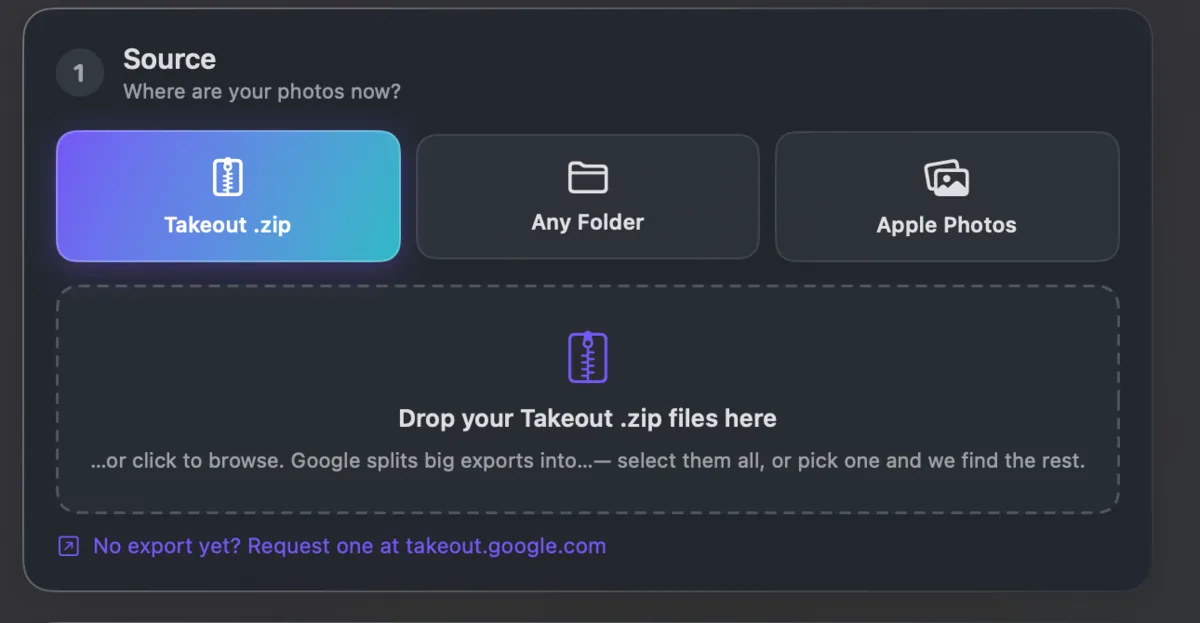
The reliable route is to fix the files first and then import. Takeout JSON Metadata Fixer can read straight from an existing Apple Photos library too. It runs on your own computer and is free for your first 500 photos.