How Do I Import Google Takeout Into Synology Photos?
Synology Photos indexes the date inside each file. Fix the metadata before copying it to the NAS.
Synology Photos builds its timeline from the date inside each file. Copy a raw Takeout export to the NAS and the whole library appears on the day you copied it.
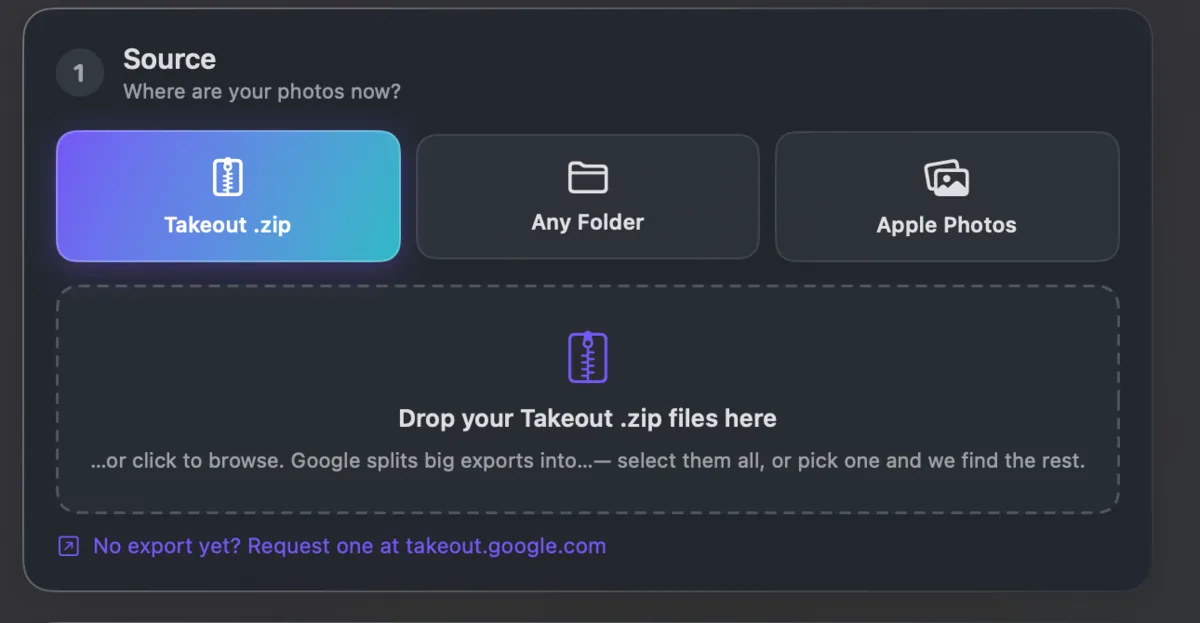
Reindexing afterwards does not help, because the information it needs was never in the files. It is in the .json files sitting beside them.
Fix the files on your computer first, then copy. Takeout JSON Metadata Fixer writes the dates and coordinates in, so Synology indexes a correct library the first time. It runs on your own computer and is free for your first 500 photos.