How Do I Import Google Takeout Into Apple Photos?
Fix the metadata first, then drag the folder into Photos. Importing the raw export puts everything on one day.
Drag the unzipped folder into Photos and it will import everything, including the .json files it cannot use and any duplicates. Every photo without an internal date lands on today.
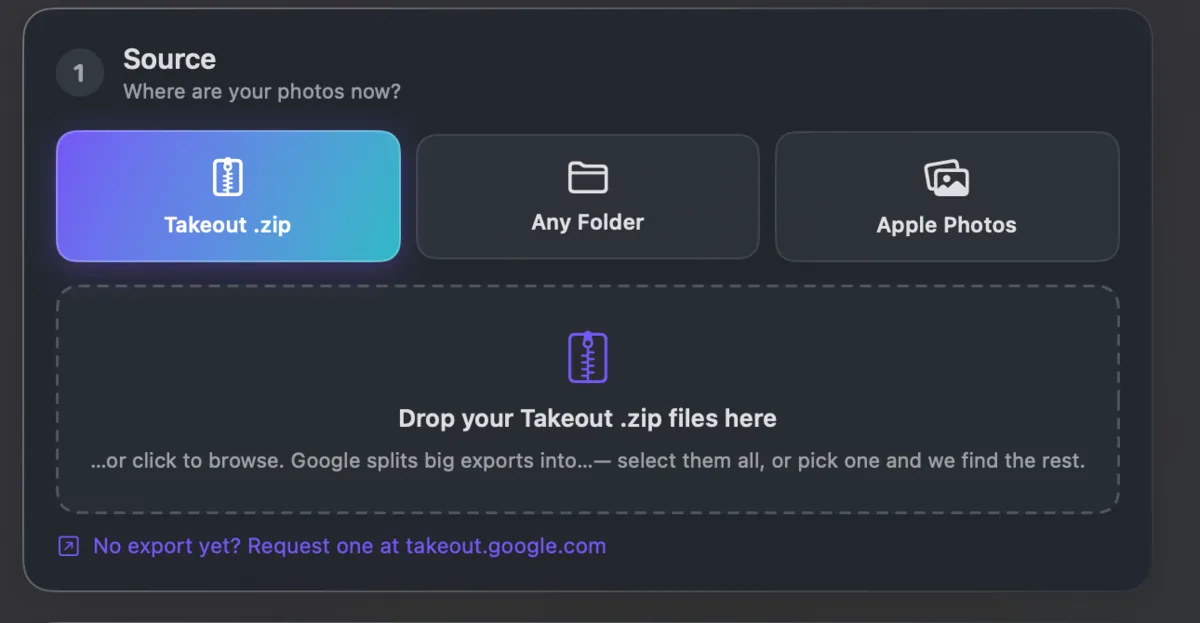
So do the metadata first. Write the real dates and coordinates into the photos, convert HEIC if you want maximum compatibility, and remove the .json files once they have been read.
Takeout JSON Metadata Fixer does all of that in one pass and can hand Photos a clean folder. It runs on your own computer and is free for your first 500 photos.