How Do I Fix Photo Dates on macOS?
Point an app at the folder, let it read the dates from your Takeout files, and write them back into the photos.
Doing it by hand means opening each photo and typing a date, which is fine for five photos and hopeless for five thousand. The quicker route is to let a tool read the dates that already exist and write them in.
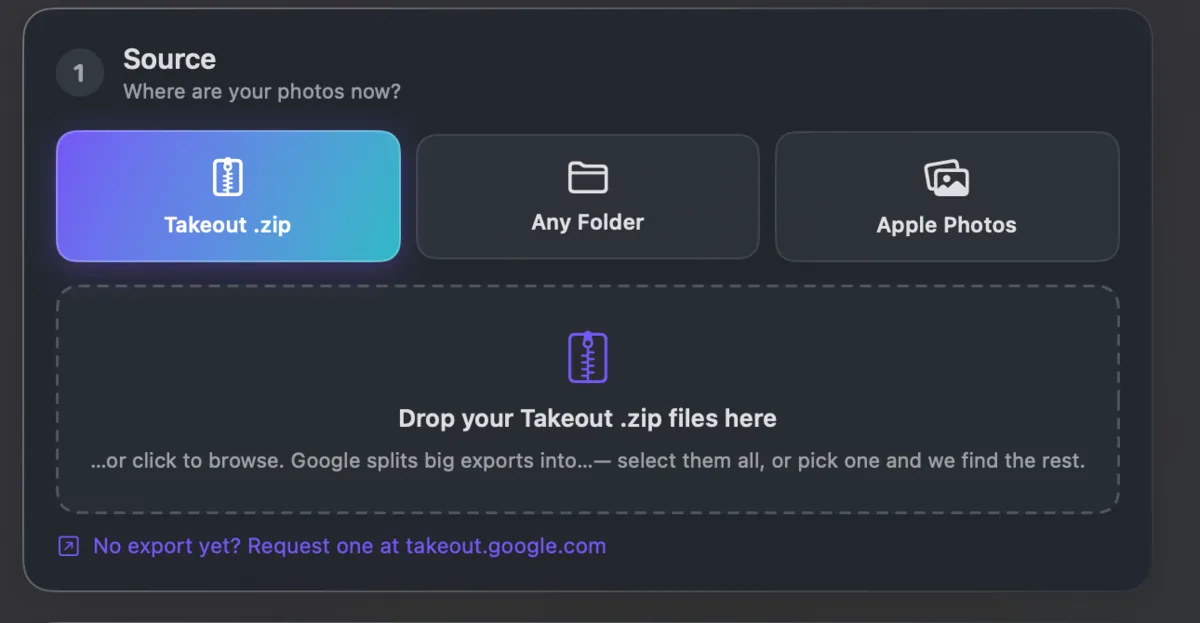
Where do those dates come from? Usually the .json files in a Google Takeout export, which hold the real date for every picture. Failing that, from the photo's own hidden data, or from the file's date as a last resort.
Takeout JSON Metadata Fixer is a native Mac app that does exactly this. Choose the folder, press start, and the dates go back where they belong. It runs on your own computer and is free for your first 500 photos.