How Do I Fix Photo Dates on Ubuntu?
Use exiftool at the terminal. It reads your Takeout files and writes the dates in, once you have the right command.
The command line route is exiftool, which is in the Ubuntu archive. It is powerful and it is exact, but you have to write the command that matches your particular mess, and a wrong one is hard to undo.
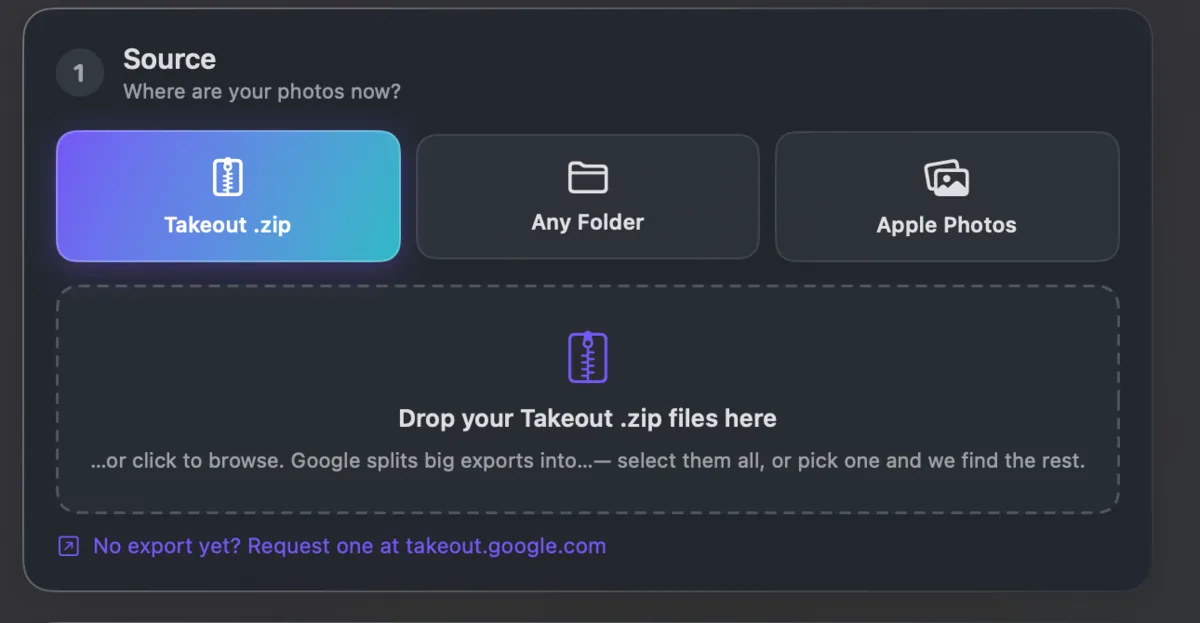
The other route is an app that already knows the shape of a Google Takeout export: which .json belongs to which photo, what Google's odd filenames mean, and which date to trust when they disagree.
Takeout JSON Metadata Fixer is that kind of app, but it runs only on Windows and Mac. There is no Linux version. On Ubuntu, use exiftool; our guide to fixing Takeout dates on Linux has the commands.