Does Google Drive Keep Photo Metadata?
Google Drive stores your file exactly as you uploaded it. What it shows you in its own viewer is a different question.
Google Drive keeps the file byte for byte. Whatever metadata was in the photo when you uploaded it is still there when you download it. Drive is storage, not a photo service.
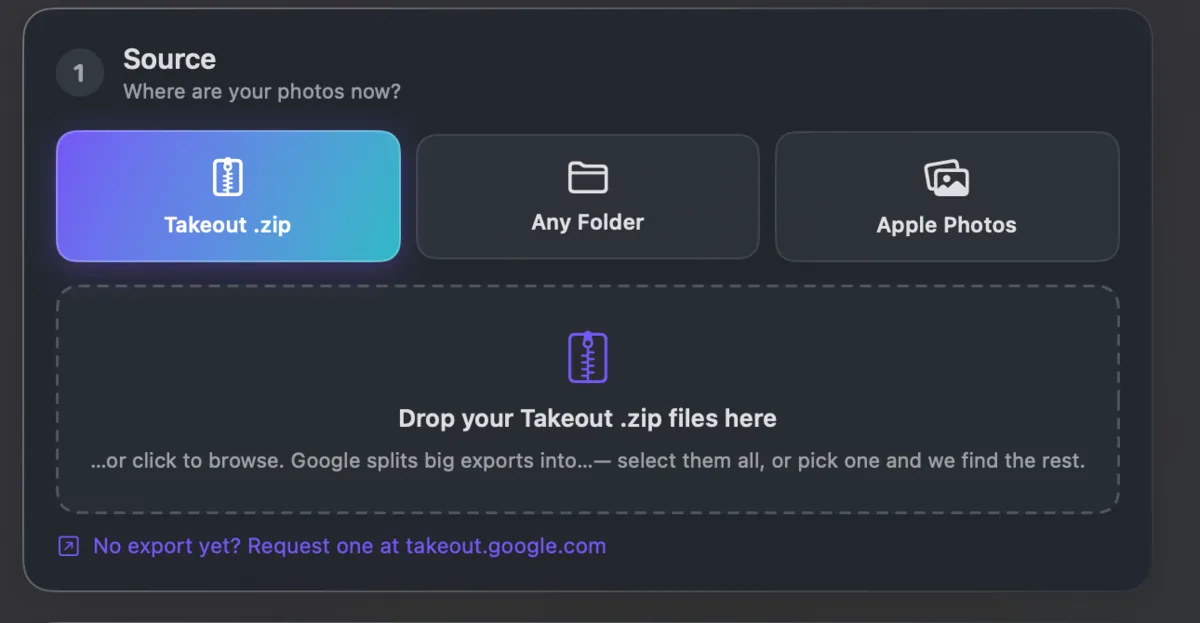
Google Photos is the one that separates things. It keeps dates and places in its own database, and a Takeout export puts them in .json files rather than back inside the pictures.
So a Drive download is usually fine, and a Photos export usually is not. Takeout JSON Metadata Fixer is for the second case. It runs on your own computer and is free for your first 500 photos.