How Do I Convert HEIC to JPG Without Losing the Date?
Most converters write a fresh file with today's date. Use one that copies the metadata across.
Drag a HEIC into a simple converter and you usually get a JPG with today's date, no location, and sometimes the wrong way up. The picture survives; everything around it does not.
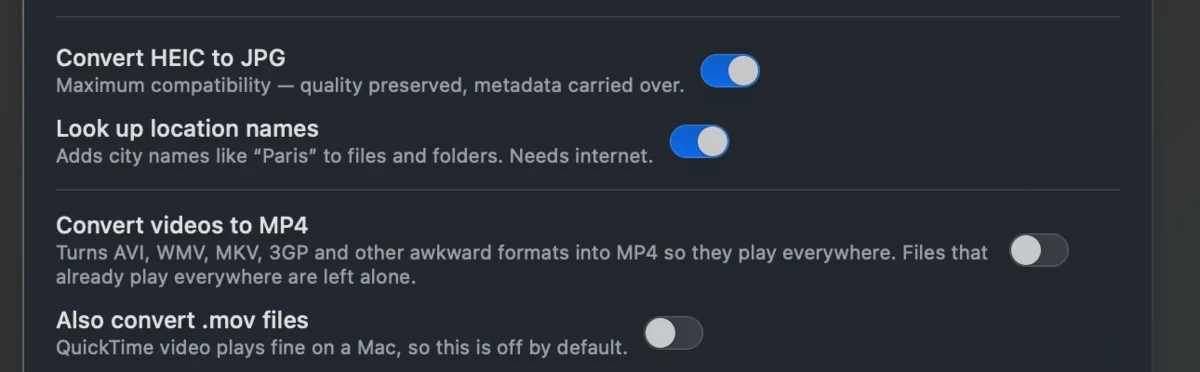
The fix is to copy the metadata into the new file as part of the conversion: the date the shutter fired, the GPS, and the orientation flag that keeps portraits upright.
Takeout JSON Metadata Fixer does that by default. Turn on HEIC to JPG and the new files keep their dates and places. It runs on your own computer and is free for your first 500 photos.