What Is the Easiest Way to Fix Google Takeout Photos?
Point a desktop app at the unzipped export and let it read the sidecar files. No command line, no scripts.
The easiest route is a desktop app that already understands the shape of a Takeout export. You choose the zips or the folder, choose where the result should go, and press start.
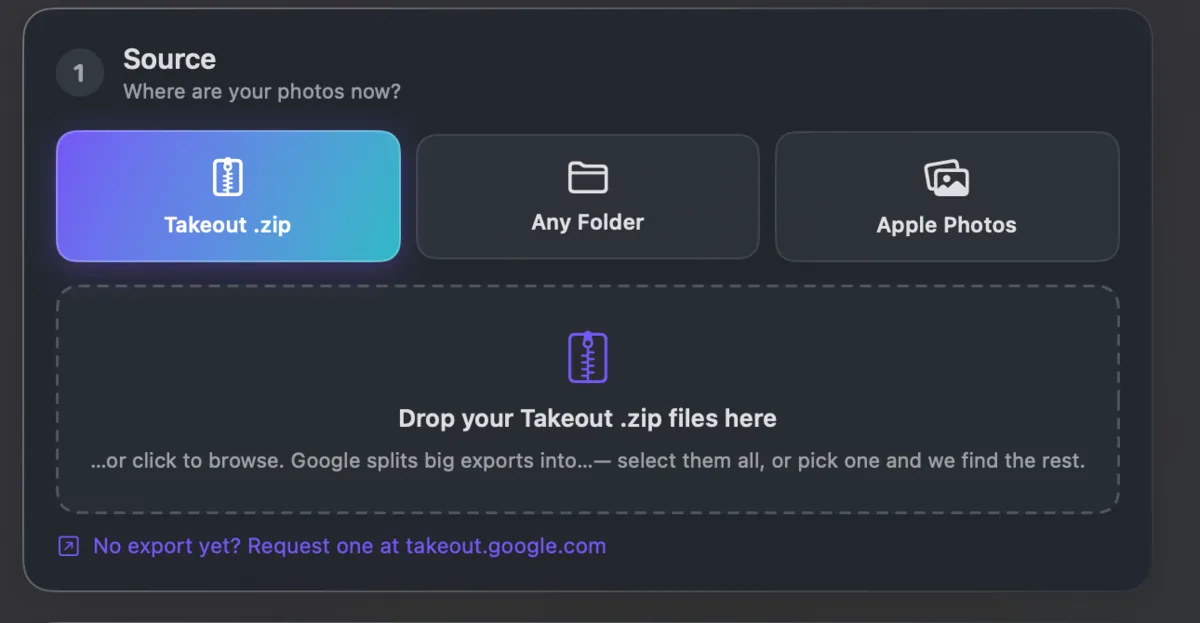
What it does behind that: pairs each photo with its sidecar, writes the date and coordinates into the picture, names the files by date, and sorts them into year folders.
Takeout JSON Metadata Fixer works that way on macOS, Windows and Linux. It runs on your own computer and is free for your first 500 photos.