How Do I Fix Dates on Photos Downloaded From Facebook?
The original dates cannot come back, because Facebook strips them on upload. The practical fix is to write the posting date from Facebook's data export, or a date you choose, into the whole folder.
Facebook removes EXIF when you upload. The copy you download back has no capture date and no GPS. This is deliberate, and it is the same for everyone.
What you do get is the date you posted it, which Facebook includes in the data export as a separate file. That is not the date the photo was taken, but for old posts it is usually close enough to sort by.
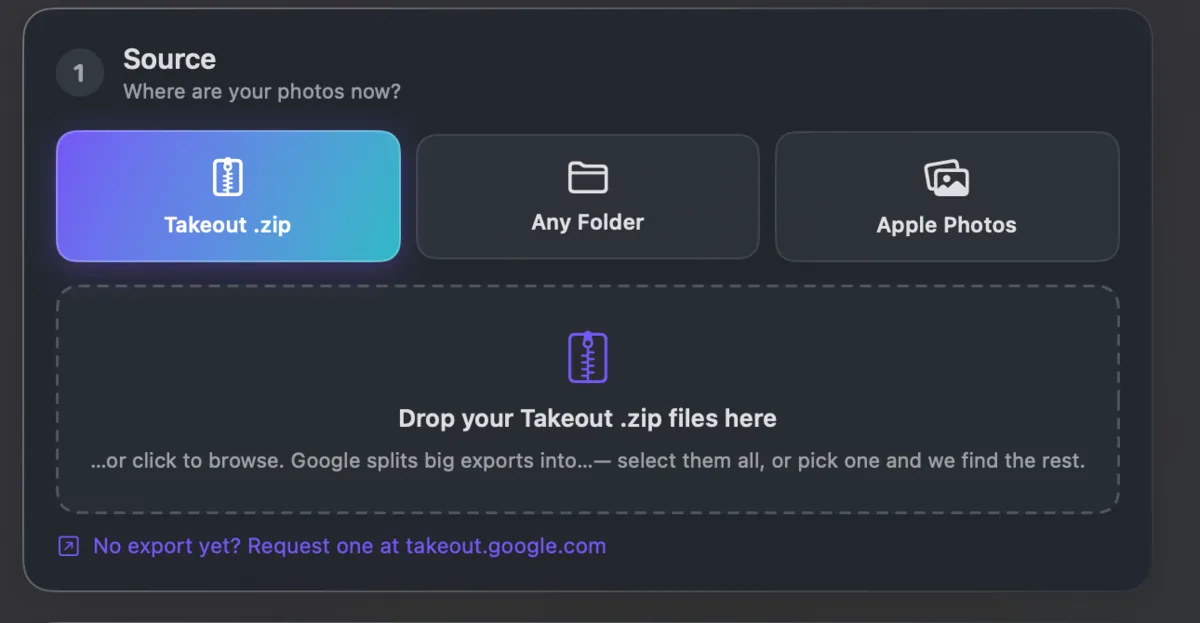
Takeout JSON Metadata Fixer can set a date and a place for a whole folder at once, which is the practical answer for photos where nothing survived. Point it at the folder, type the date, and the whole set is stamped.