How Do I Batch Rename Photos With the Date?
Use a tool that reads the date inside each photo and renames by it, for example 2019-08-01-1430.jpg. Windows bulk rename only adds numbers, because it cannot read that date.
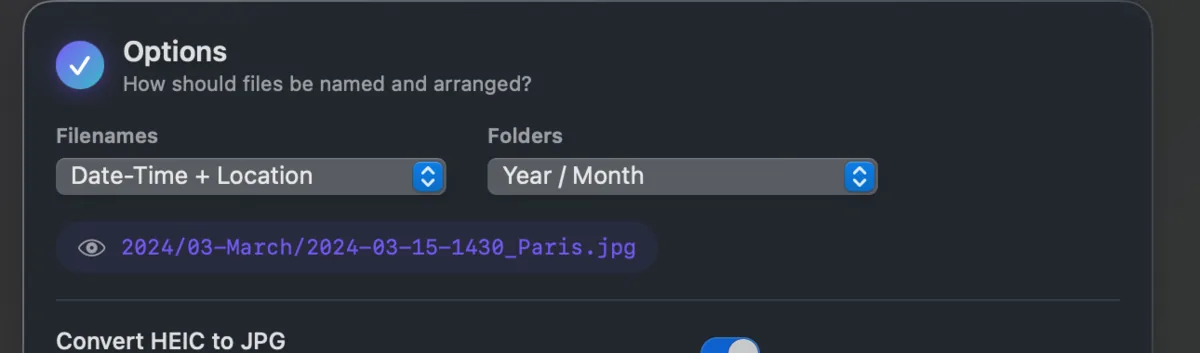
A filename like 2019-08-01-1430_Vienna.jpg tells you everything at a glance and sorts correctly in every file manager on every system. Names like IMG_2841.JPG tell you nothing.
Windows can rename in bulk, but it only numbers files. It cannot read the date out of each photo and use it. That is the part that needs a tool.
Takeout JSON Metadata Fixer renames by the real capture date and can add the place name too. It takes the date from the .json sidecar or from the photo's own EXIF, and you choose the naming pattern before it runs.