Should I Back Up Before Fixing My Photo Dates?
Yes. Always work on a copy when a library matters, whatever tool you use.
Yes, and not because any particular tool is dangerous. A photo library is often irreplaceable, and a backup costs an evening and an external drive.
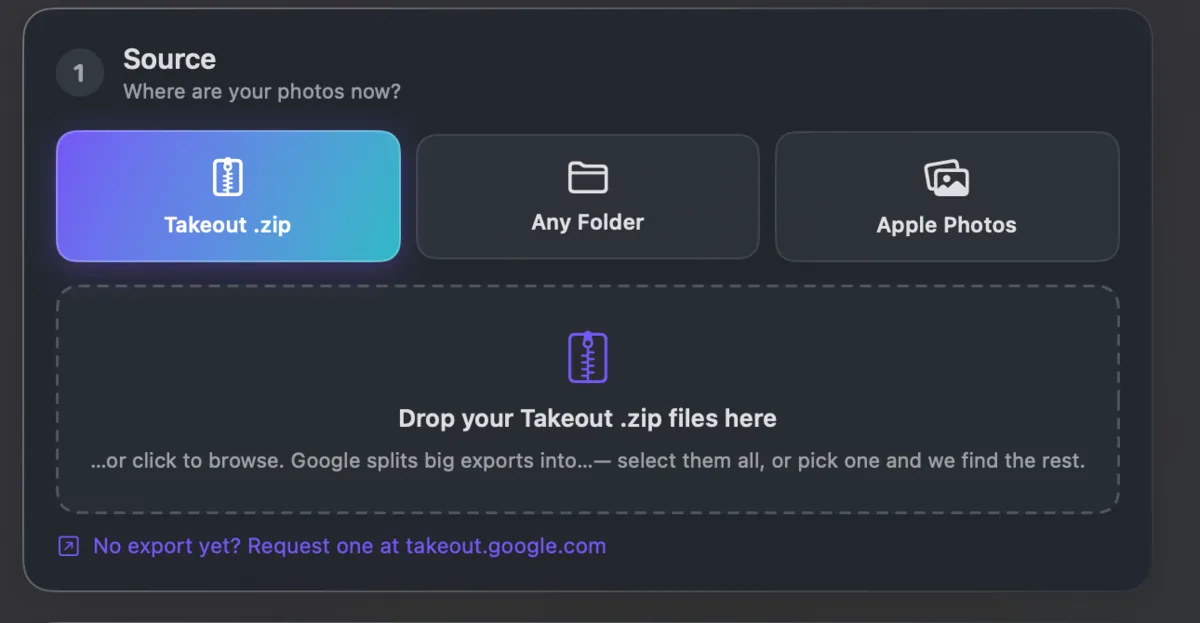
The safer pattern is to write the organized library to a new folder and leave the originals untouched. Then you can compare the two and delete the originals only when you are satisfied.
Takeout JSON Metadata Fixer works that way by default: it writes to a destination you choose and leaves the source alone. It runs on your own computer and is free for your first 500 photos.