What Do I Do With a Huge Google Takeout Zip File?
Make room for twice the export size, then extract every zip part into the same folder. Separate folders split photos from their .json files and cause most Takeout confusion.
Check your free space first. You need room for the zip files and for everything inside them at the same time, so plan for roughly twice the export size before you start extracting.
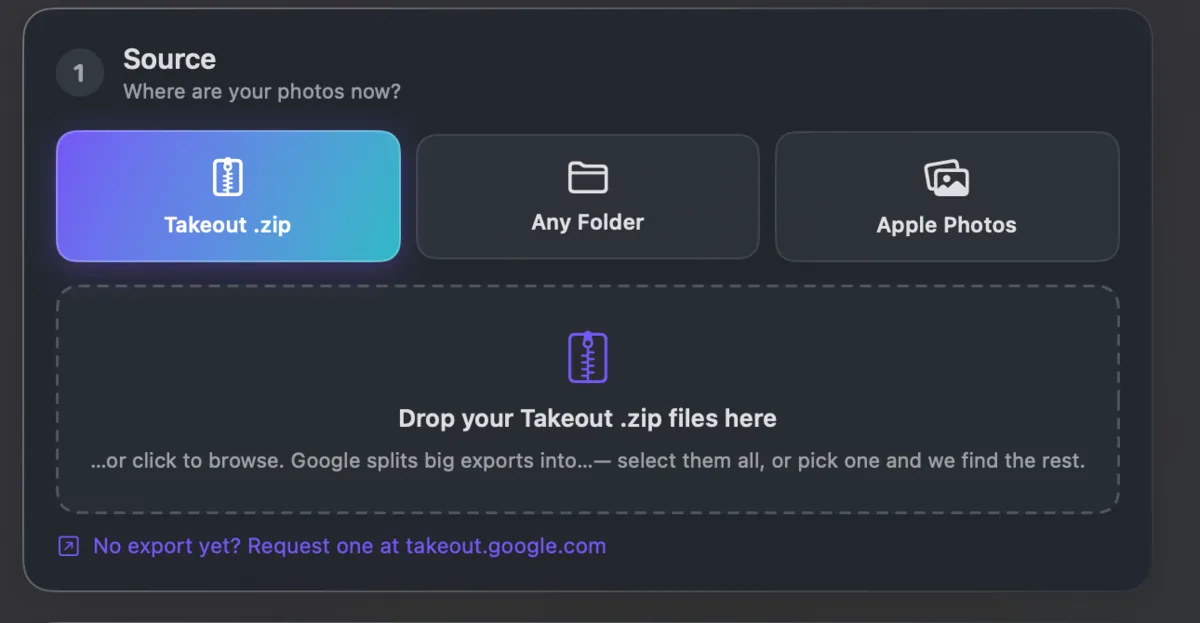
Extract every part into the same folder so the structure merges back together. Extracting each zip into its own folder splits photos from their .json sidecars and from each other, which causes most of the confusion people run into.
Once extracted, the photos still have no dates in them. Takeout JSON Metadata Fixer reads the whole tree in one pass and can export the organised result to another drive, so you can free the originals afterwards.